Whatever needs a signature
Eight jobs people use Docustay for, each with a template to start from.
 ContractsGet a services agreement signed
 Consent and waiversCollect a signed waiver before an event or session
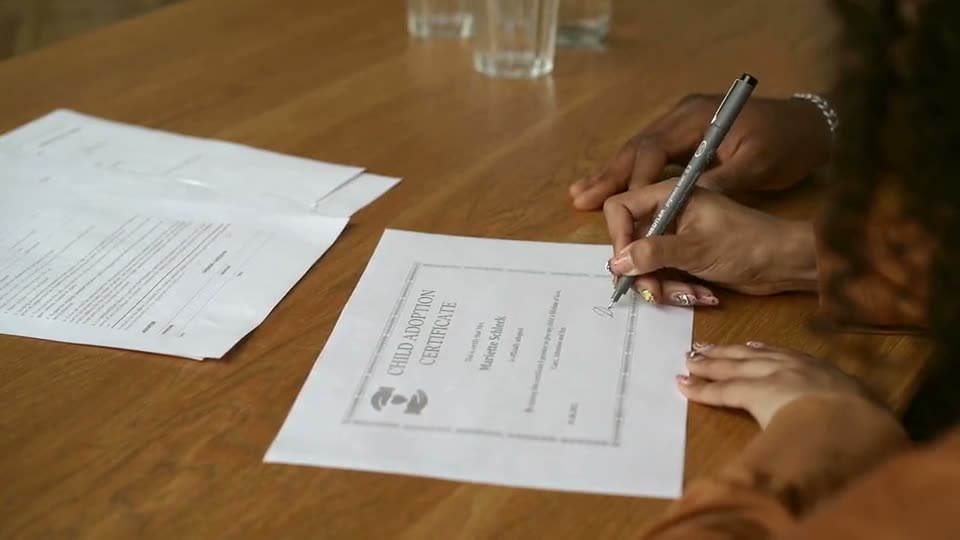 NDAsGet a non-disclosure agreement signed before a conversation
 HR and onboardingOnboard a new hire with the right papers
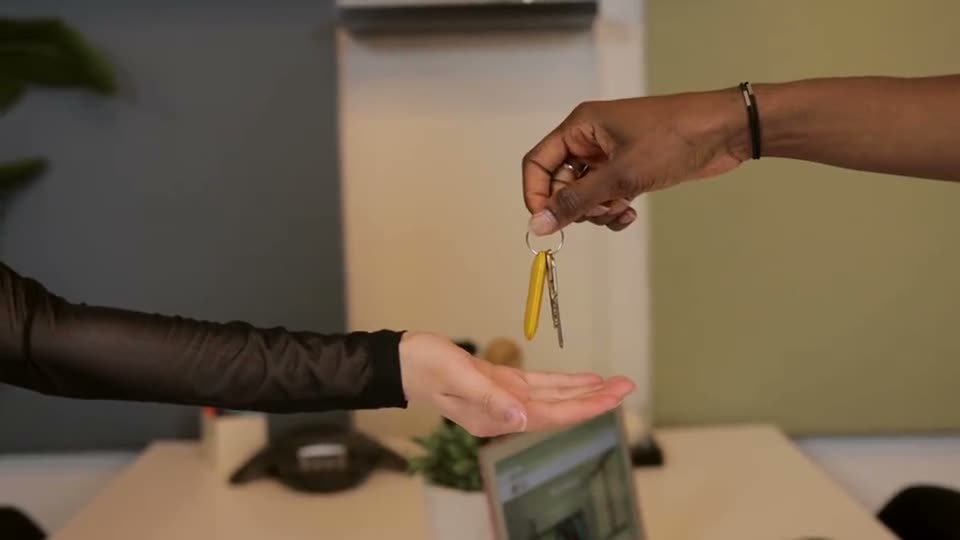 Real estateGet a lease or an addendum signed by several people
 Healthcare intakeCollect intake and consent forms before a first visit
 EducationCollect permission slips and enrolment forms
 AgenciesSend statements of work and approvals under your own name
Doing this inside your own product?
Send documents from your software and show the signing form on your own pages.
How to choose
Pick the paper you send most often. Each page below shows the old way and the Docustay way for that paper, the template to start from, three tips and what to watch for. Everything here can be changed to suit your own wording.
What they have in common
A person signs on a phone with no account, you see who has signed and who has not, and you keep one sealed copy with a certificate. The differences are in who signs, in what order, and whether money or a package of several documents is involved.
Not on the list?
Upload your own file, or write the document in the editor. The templates are starting points, not limits. This is general information, not legal advice.
How to choose
Pick the page closest to the paper you handle today. Each one shows a worked example with real fields, the roles involved and the starter templates that fit, and every starter can be copied into your own workspace and changed.
Where to go next
If you do not see your case, start from a template on the template page or upload your own file. Most documents are a few signatures, a date and some text, and the editor handles all of them.
Keep reading
Start free
Create a workspace, upload a document and send it. No card needed.