Use case
Send statements of work and approvals under your own name
How agencies work with Docustay.

The old way
- PDF by email and a reply that says 'ok'
- Approvals lost in threads
- No proof for a dispute
With Docustay
- Sent from your own domain with your logo
- A named approver step
- One sealed record per project
Start from a template
Three tips
- 1
Use the approver role for a client's sign-off before signature.
- 2
Embed signing in your own client portal.
- 3
Use the API to send from your project tool.
What to watch for
Keep the signed statement of work and the change requests together; the sealed copy proves what was agreed at the time.
This is general information about how signing works, not legal advice. Rules differ by place and by document; if a document matters a great deal, ask someone qualified where you are.
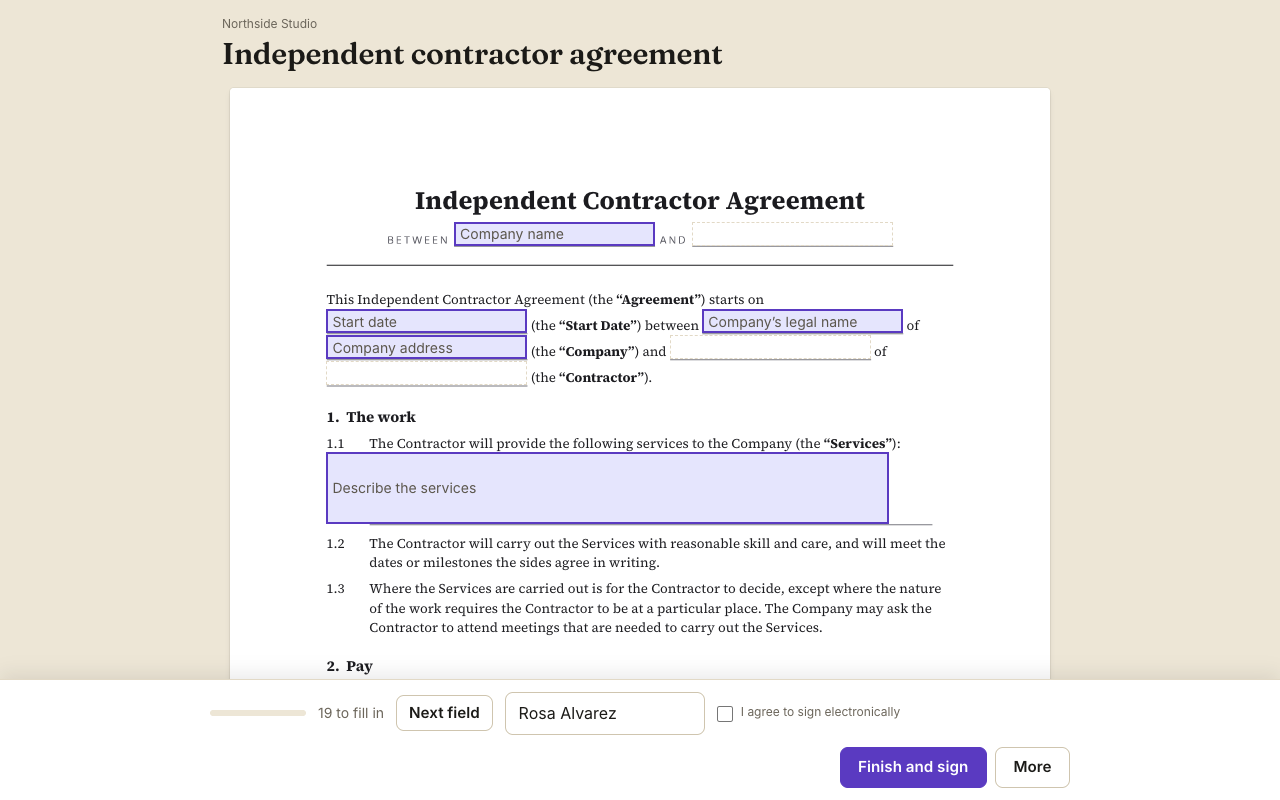
A worked example
An agency finishes scoping a campaign. The account lead opens the Statement of work template, enters deliverables and dates, and sends it to the client with a named approver. The client's marketing director reads and approves; then the finance contact signs. The agency has one sealed record per project to point to if anyone later remembers it differently.
What to set up once
Send from your own email domain with your logo so the client sees your name. Create seats for Agency, Approver and Client. Keep the statement of work template and a separate change request template.
Using the API
If your project tool creates the statement of work, call the API with the template id and the client details. A webhook tells your tool when it is signed.
What to check before sending
Use one template per kind of engagement, name the signer's seat after their role, and put scope and fee in fields that your team can change per client. Send a test to your own address and read it as the client would.
Questions people ask
Can emails come from my own domain?
Yes. Set it up under email settings.
Can an approver say no?
Yes. Approvers can decline with a reason that goes into the record.
Can my tool know when it is signed?
Yes, with a signed webhook or by polling the API.
Keep reading
Send your first one
Create a workspace, upload a document and send it. No card needed.