Developers
Signing in your product, in an afternoon
Send a document with one request. API, webhooks and embedding are included in every plan; test mode lets you try it without a real signature.
For developers
Your product, our signing.
One request sends a document. Embed the signing form on your own pages, so nobody leaves your site. Test mode keeps practice runs out of the real thing, and a signed webhook tells your system the moment it is done.
- REST API with scoped keys and safe retries
- Signed webhooks, replayable from a log
- An embeddable form, a JavaScript and a Python client, an MCP server
curl -X POST https://docustay.app/api/v1/documents/send \
  -H "Authorization: Bearer $DOCUSTAY_KEY" \
  -H "Idempotency-Key: $(uuidgen)" \
  -H "Content-Type: application/json" \
  -d '{
    "templateId": "TEMPLATE_ID",
    "parties": [{ "seat": "signer_1", "name": "Rosa Alvarez", "email": "rosa@example.com" }]
}'API
Send, track and download documents; subscribe to signed webhooks.
→Embedding
Show the signing form inside your own site or app.
→SDKs
Typed clients for JavaScript and TypeScript, and Python.
→AI tools
A server and skills so an assistant can send documents for you.
→
Try it safely
Turn on test mode, or use a test API key. Mail goes only to the sender, every page is stamped TEST, and test documents are never counted or billed.
The shape of an integration
Your system decides a document is needed and calls the API with a template and the names and emails of the people. Docustay emails them, runs reminders, shows the signing page and seals the result. When it is done, a signed webhook tells your system, and your system downloads the signed copy. Most integrations are a few dozen lines.
Four ways in
The REST API does everything the app does, within the permissions of a key. Webhooks tell you when something happens. The embeddable signing form shows the signature page inside your own site so nobody is emailed. The SDKs and the MCP server wrap those for JavaScript, Python and AI assistants.
Practise first
Test keys send practice documents that are emailed only to you, are watermarked, and are never counted or billed. Build and check your whole flow with a test key, then swap in a live key.
Send a document
curl -X POST https://docustay.app/api/v1/documents/send \
  -H "Authorization: Bearer $DOCUSTAY_KEY" \
  -H "Idempotency-Key: $(uuidgen)" -H "Content-Type: application/json" \
  -d '{ "templateId": "TEMPLATE_ID", "language": "en", "parties": [{ "seat": "signer_1", "name": "Rosa Alvarez", "email": "rosa@example.com" }] }'
Questions people ask
Is the API included in every plan?
Yes, within your monthly allowance, along with webhooks and embedding.
Is there a sandbox?
Test keys are the sandbox: same API, practice documents.
Where is the API described?
An OpenAPI 3.1 file at /api/openapi.json and a Postman collection.
Keep reading
Get an API key
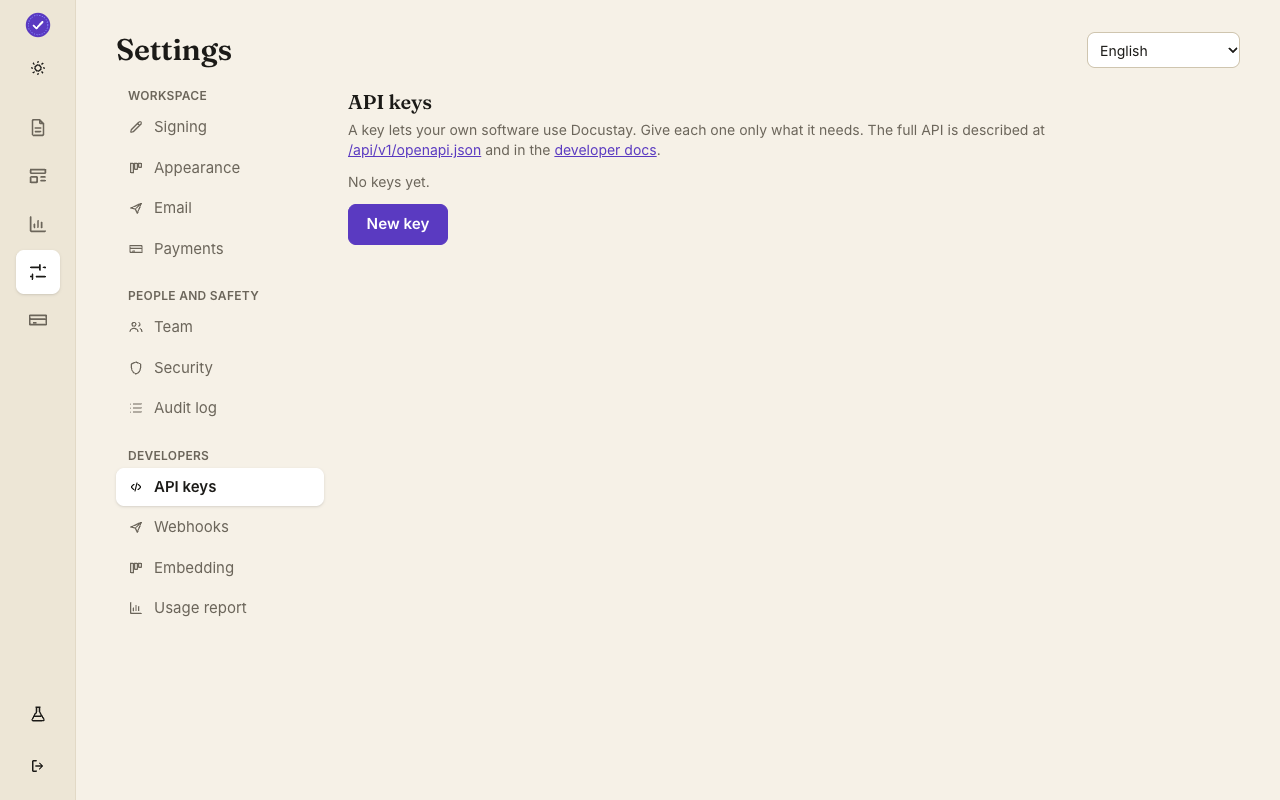
Create a free workspace, then make a key under Settings, Developers.