Developers
Let your assistant send documents
An MCP server and a set of skills let an AI assistant prepare, send and track documents through your own scoped key.
Claude, as a connector
Add the Docustay connector in Claude with https://app.docustay.app/mcp. You approve it once on a Docustay page, and Claude gets a draft-only key: it can read your templates and documents and prepare drafts, never send. Connector guide.
MCP server
The MCP server lets any MCP client prepare, send and track documents through your own scoped key. MCP and skills guide.
Skills
Skill files teach an agent how Docustay works, including the rule that a person approves every send. Install them.
Safe by default
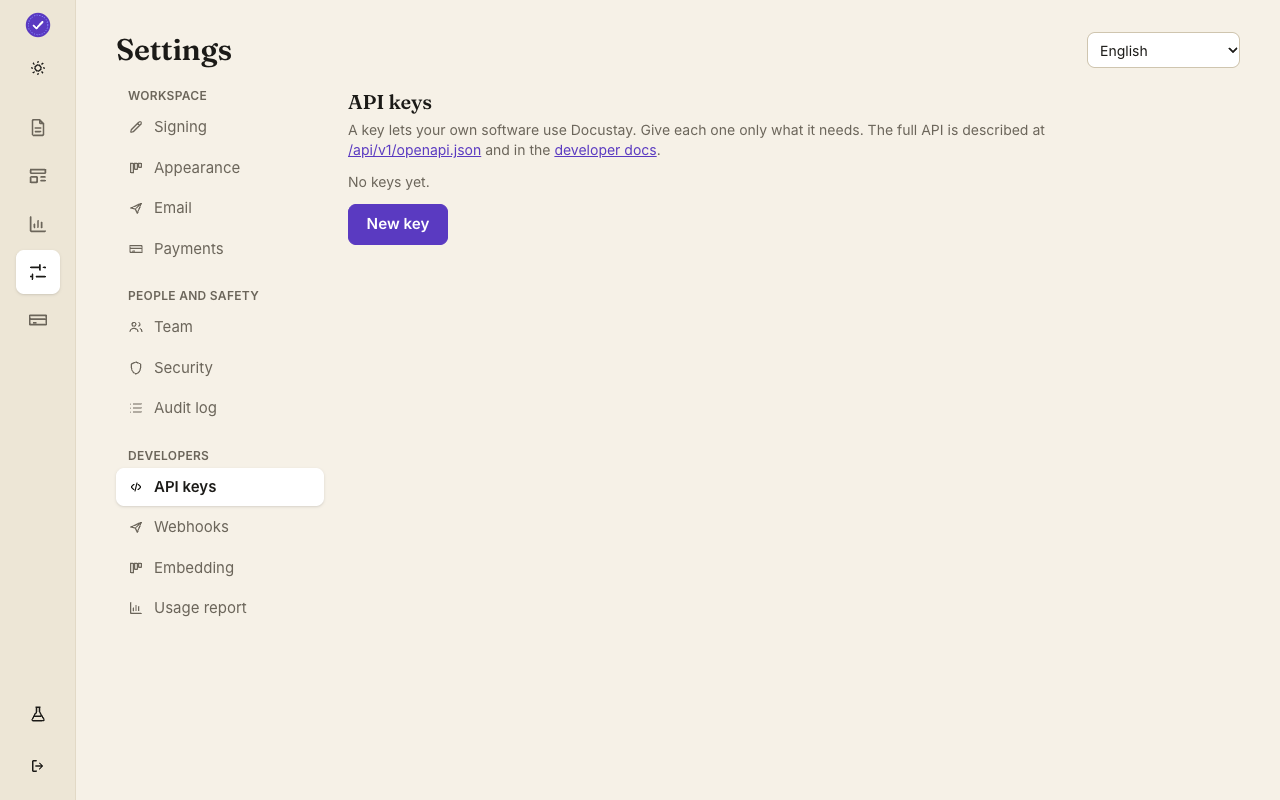
The assistant uses a key you made with only the scopes you chose, and a test key keeps everything in test mode. Sending, reminding and voiding show a plain-words preview first and act only on a second, confirmed call. A read-only mode removes every tool that changes anything, and no tool ever returns a signing link or the key.
Docs an assistant can read
Every documentation page is also served as plain Markdown by adding .md to its address, and there is an llms.txt index and a single full text file.
Status
The server and skills are built and tested against the sandbox. They are not yet published to any tool marketplace; install instructions are in the documentation.
See the guide
Create a workspace, upload a document and send it. No card needed.
What an assistant can do
The MCP server gives an AI assistant tools to list templates, read documents and their audit logs, save signed copies, send a document, send a reminder, void a document and make a template from HTML. It runs on your computer with your own API key.
Safe by design
Sending, reminding and voiding do nothing on the first call: they return a plain-words preview of who would be emailed, and only a second call with confirm set to true acts. A read-only setting removes every tool that changes anything. No tool returns a signing link, a code or the key.
Skills for agents
The Docustay plugin for Claude Code bundles the server and five skills: sending for signature, text tags, embedded signing, webhooks and agent safety. The skills are plain Markdown files, so any agent that reads skill files can use them.
What an assistant can and cannot do
The tools let an assistant send a document from a template, check where it stands and fetch the signed copy, with the permissions of the key you give it. They are not a way around anything: a key with read scope only reads, and every action lands in the same audit log as a person's would.
Try it with test mode on
Give the assistant a test key first. It can then practise sending and reading documents without a real signer ever receiving anything, and you can see exactly what it did in the document list before you give it a live key.
Add the server to an assistant
{ "mcpServers": { "docustay": { "command": "npx", "args": ["-y", "@docustay/mcp"], "env": { "DOCUSTAY_API_KEY": "dsk_test_..." } } } }