Product
Write it once, send it again
Twenty-four ready-made documents to start from, or build your own once and send it as often as you like.
The wall of starters
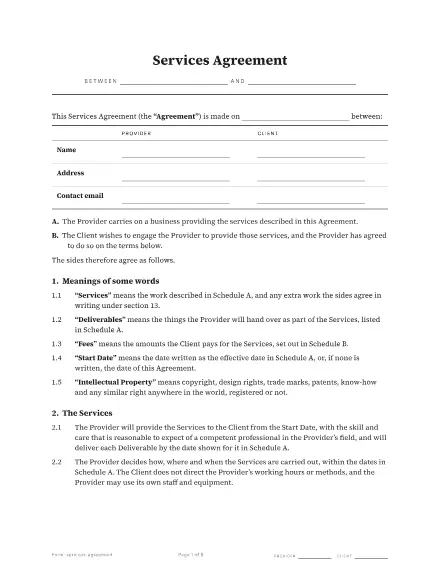 Services agreement8 pages · 58 fields · 2 seats
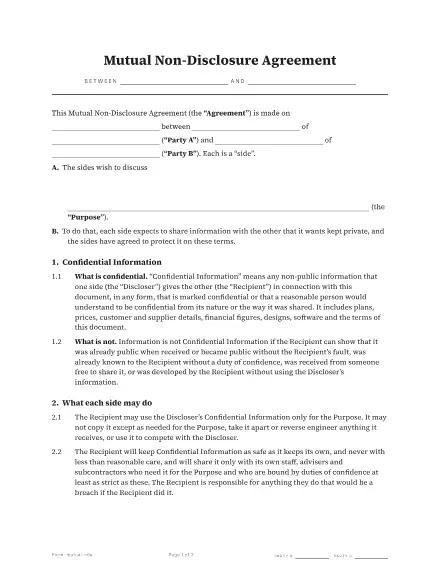 Mutual non-disclosure agreement3 pages · 25 fields · 2 seats
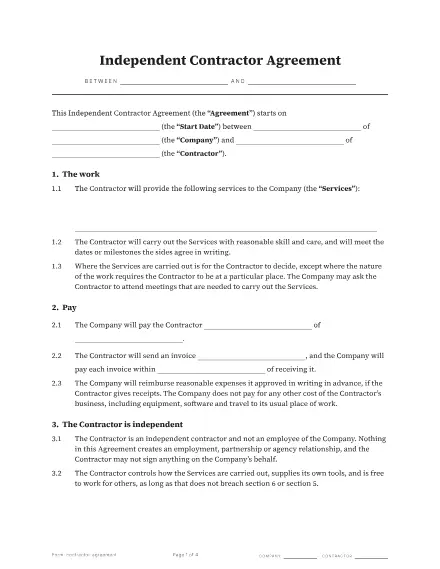 Independent contractor agreement4 pages · 31 fields · 2 seats
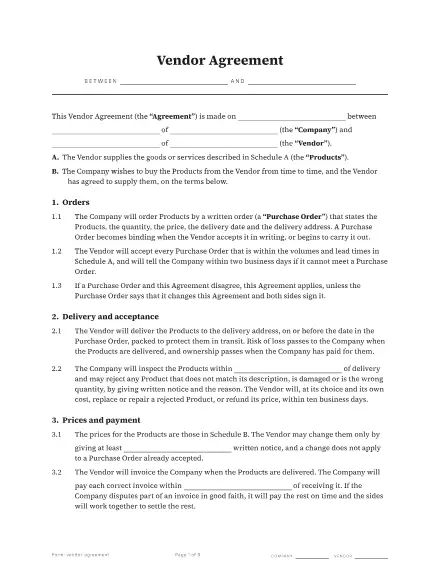 Vendor agreement6 pages · 50 fields · 2 seats
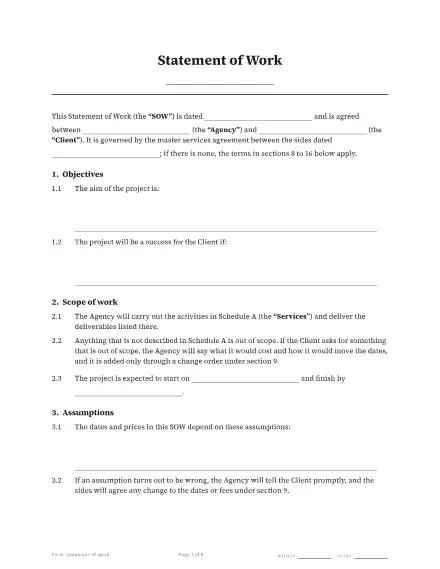 Statement of work6 pages · 77 fields · 2 seats
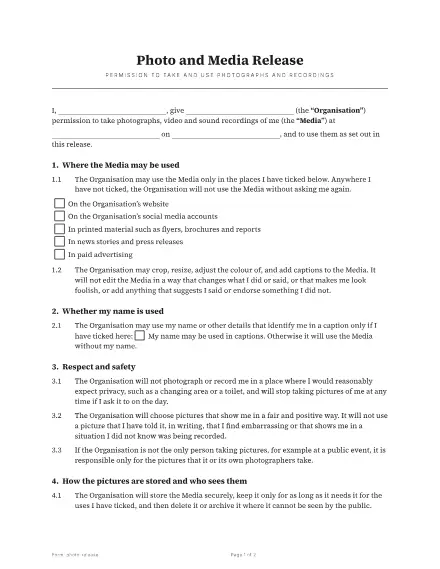 Photo and media release2 pages · 16 fields · 1 seat
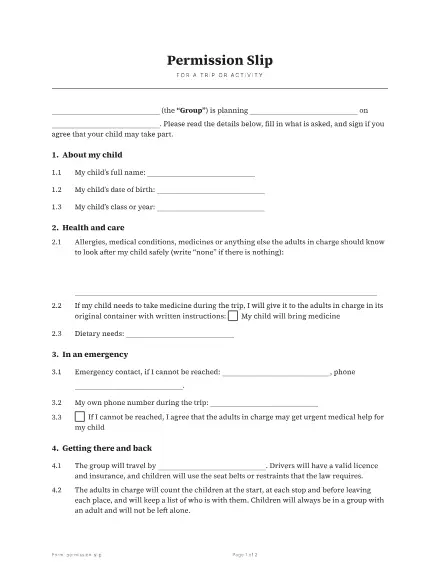 Permission slip2 pages · 20 fields · 1 seat
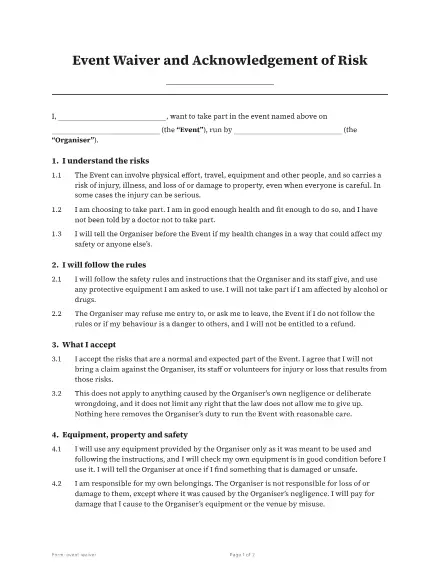 Event waiver2 pages · 9 fields · 1 seat
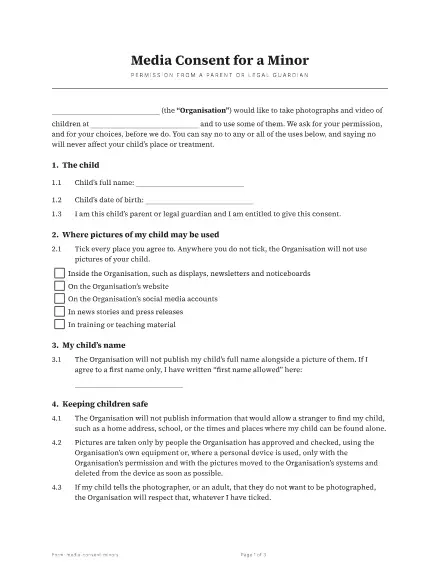 Media consent for a minor3 pages · 19 fields · 1 seat
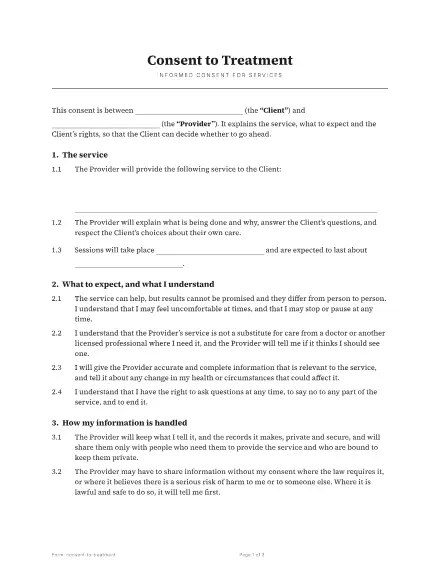 Consent to treatment3 pages · 22 fields · 2 seats
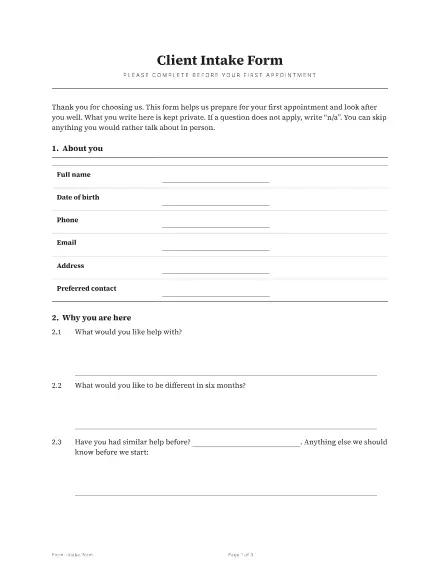 Client intake form3 pages · 27 fields · 1 seat
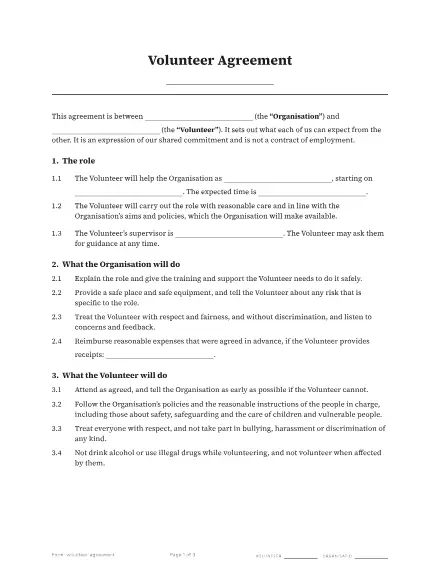 Volunteer agreement3 pages · 23 fields · 2 seats
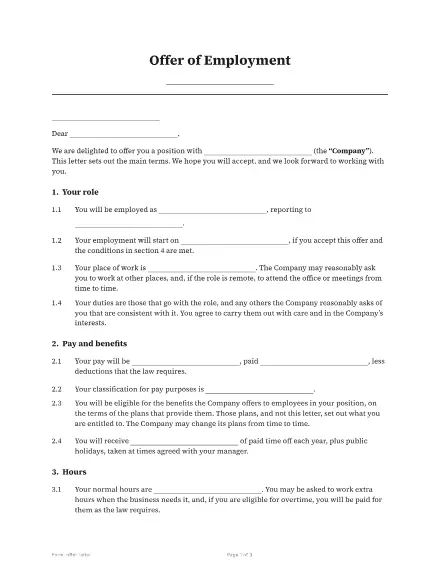 Offer letter3 pages · 26 fields · 2 seats
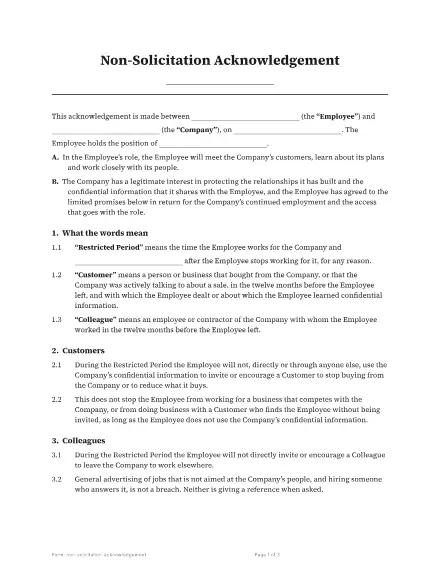 Non-solicitation acknowledgement3 pages · 14 fields · 2 seats
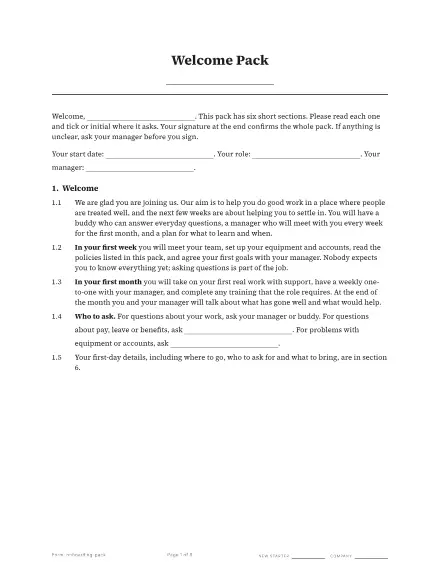 Employee onboarding pack6 pages · 50 fields · 2 seats
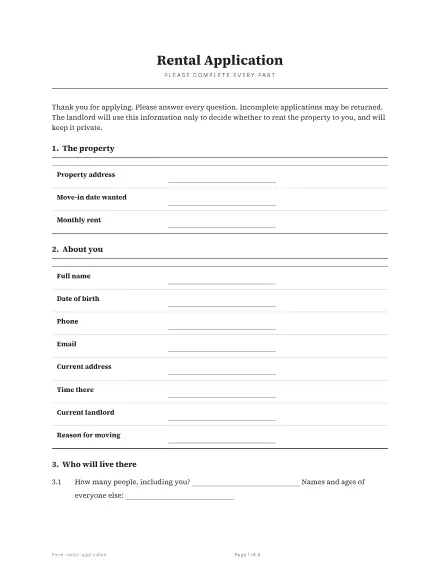 Rental application4 pages · 43 fields · 1 seat
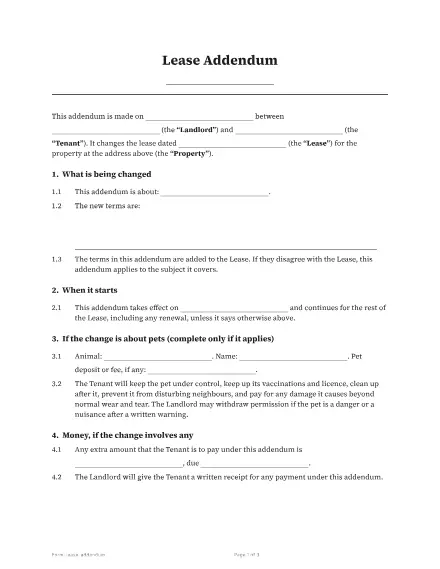 Lease addendum3 pages · 24 fields · 2 seats
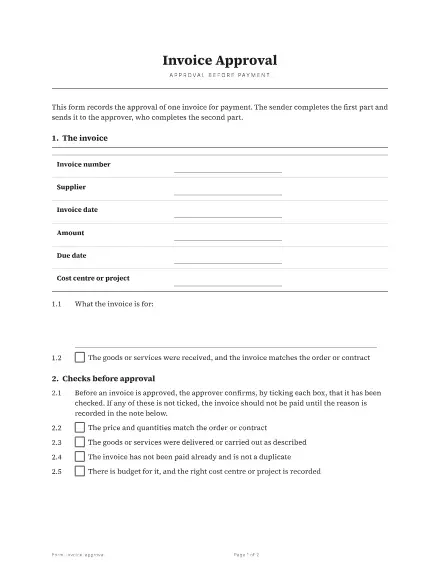 Invoice approval2 pages · 23 fields · 2 seats
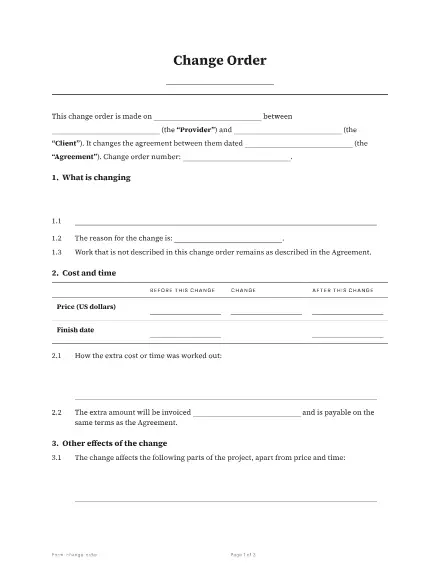 Change order3 pages · 24 fields · 2 seats
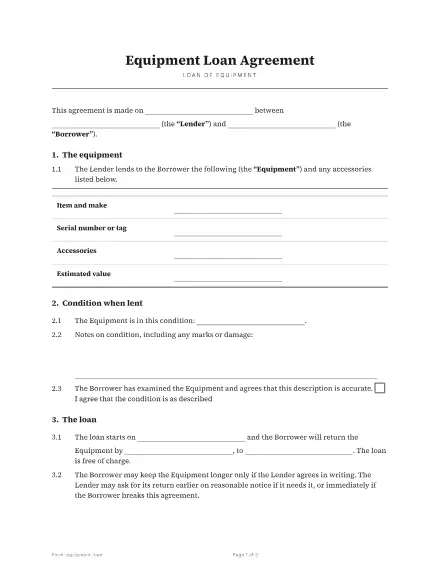 Equipment loan agreement3 pages · 24 fields · 2 seats
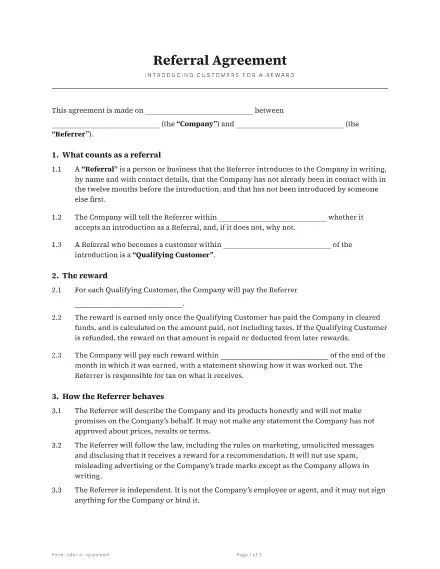 Referral agreement3 pages · 16 fields · 2 seats
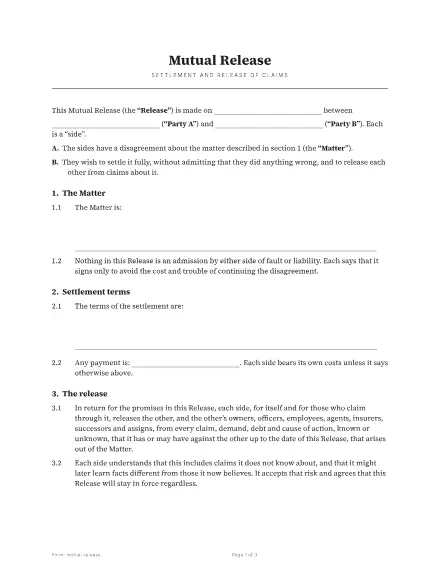 Mutual release3 pages · 18 fields · 3 seats
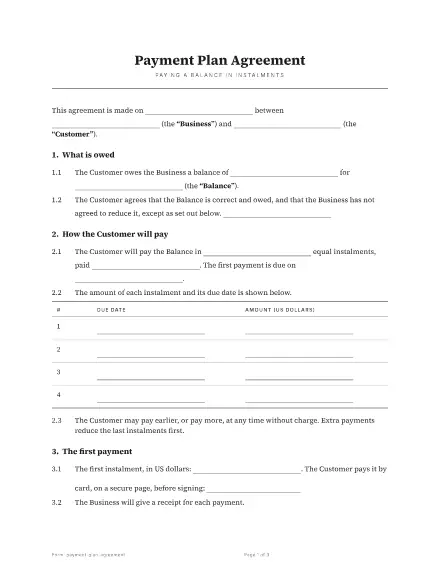 Payment plan agreement3 pages · 30 fields · 2 seats
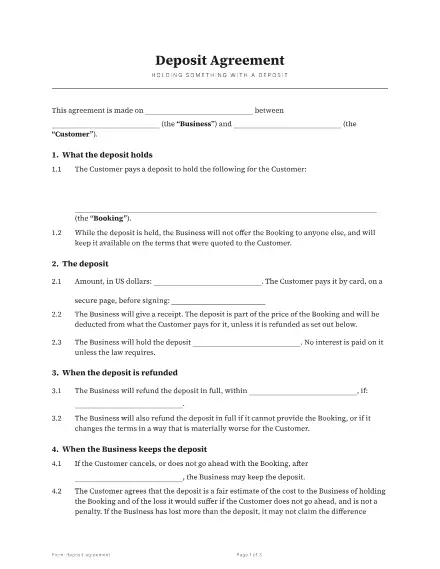 Deposit agreement3 pages · 19 fields · 2 seats
Eleven kinds of field
Signature, initials, date signed, text, checkbox, dropdown, multi-select, picture, file upload, stamp and payment. Each field belongs to one role, can be required or optional, and can carry its own rules (a number, an email, a phone number, a maximum length).
Roles and order
Name the people on a document by role (Tenant, Landlord, Witness). Send to everyone at once or one after another. Besides signers there are approvers, viewers who only need to see it, a copy-only role, and an assistant who can fill in fields for someone else.
Reusable templates
Save a prepared document as a template with its roles and fields. Send it from the app, from your own software through the API, or by a link a person can open to start their own copy.
Written templates
Prefer to write? The built-in editor makes a document from headings, paragraphs and lists, with merge fields such as the signer's name, and turns it into a sealed PDF when it is signed.
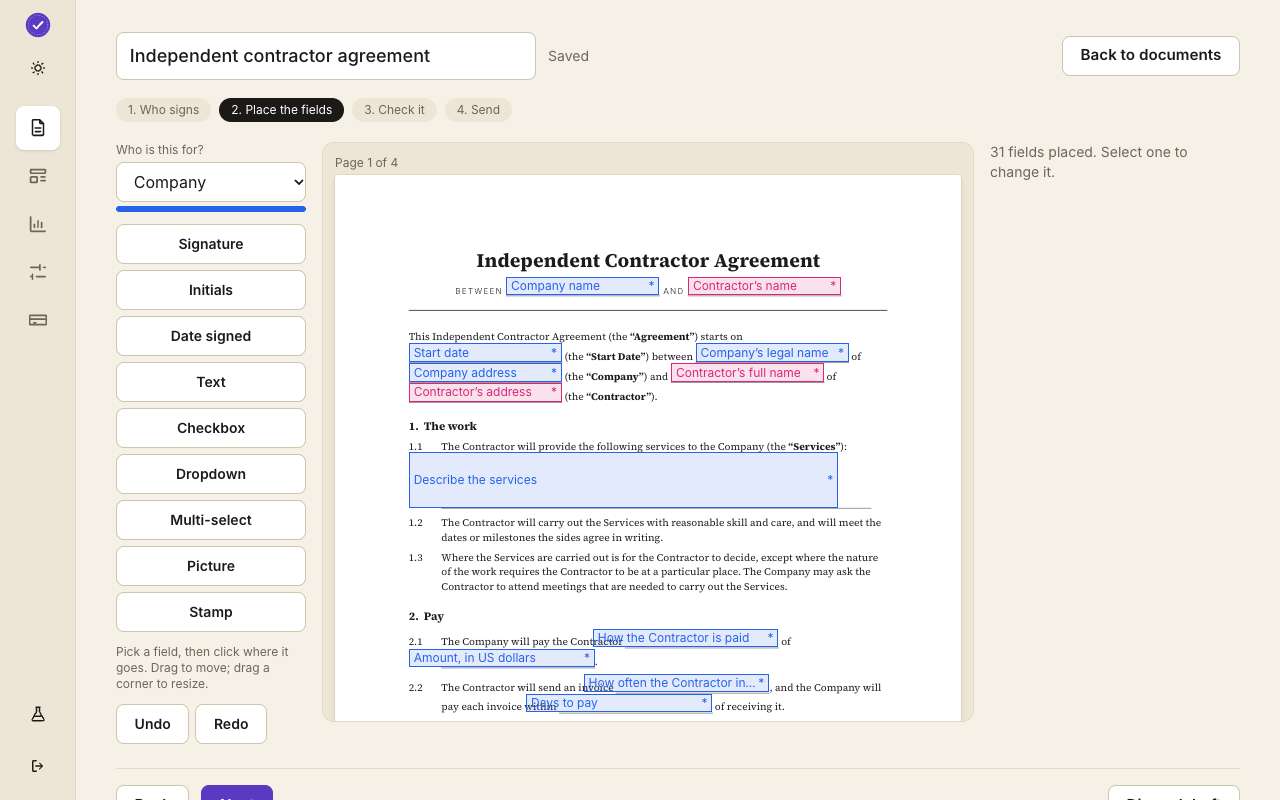
A worked example: a services agreement
A freelancer prepares a services agreement once. It has two seats, Provider and Client. The Provider seat has a signature, a date signed and a text line for the project name. The Client seat has a signature, a date signed, a company name and a checkbox that says they have read the scope. The freelancer saves it as a template.
Each new client costs a minute: open the template, type the client's name and email, press send. The fields are in the same places every time, so signers never wonder where to click.
Rules on a field
A field can be required or optional, and a text field can be limited to a number, an email address, a phone number or a date, with a maximum length. The signing page checks the rule before it lets the person continue, and the server checks it again, so a bad value cannot slip through by skipping the page.
Fields that are filled before sending
Some values are known when you send: the client's name, the start date, the fee. You can fill them in before sending and lock them so the signer sees them but cannot change them. Everything else stays for the signer to complete.
Questions people ask
How many templates can I have?
As many as you like on every plan.
Can two people fill in fields on the same document?
Yes. Each field belongs to a seat and only that seat's person can fill it in.
Can a template start a document without me sending it?
Yes. A public link lets a visitor start their own copy of a template, so you can put a waiver on your website.
Keep reading
Start free
Create a workspace, upload a document and send it. No card needed.