Use case
Collect intake and consent forms before a first visit
How healthcare intake work with Docustay.
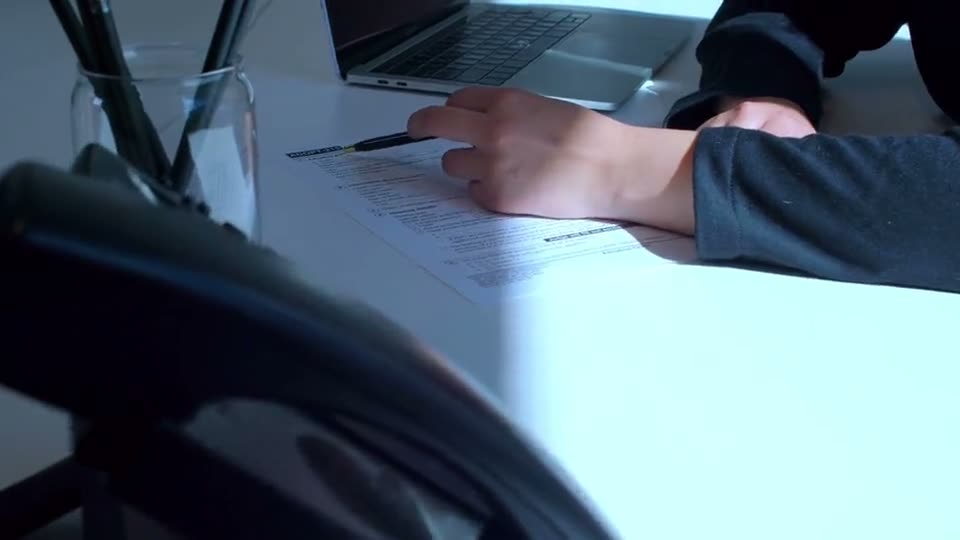
The old way
- Forms on a clipboard in the waiting room
- Re-typing into a system
- Paper filed away
With Docustay
- Forms completed on a phone ahead of time
- Answers stay in the signed record
- Delivery to the practice by email
Start from a template
- Consent to treatmentA client agrees to a service after reading what it is, what to expect, how their information is handled and how to stop.
- Client intake formThe details and agreement a new client gives before a first appointment: contact, background, goals, emergency contact and how their data is used.
Three tips
- 1
Keep forms short; mobile completion drops with length.
- 2
Use access codes so only the right person opens a form.
- 3
Use your own email domain so patients recognise the sender.
What to watch for
Docustay makes no health-privacy compliance claim and does not sign data-protection agreements for health data. If your rules require that, Docustay is not the right tool yet.
This is general information about how signing works, not legal advice. Rules differ by place and by document; if a document matters a great deal, ask someone qualified where you are.
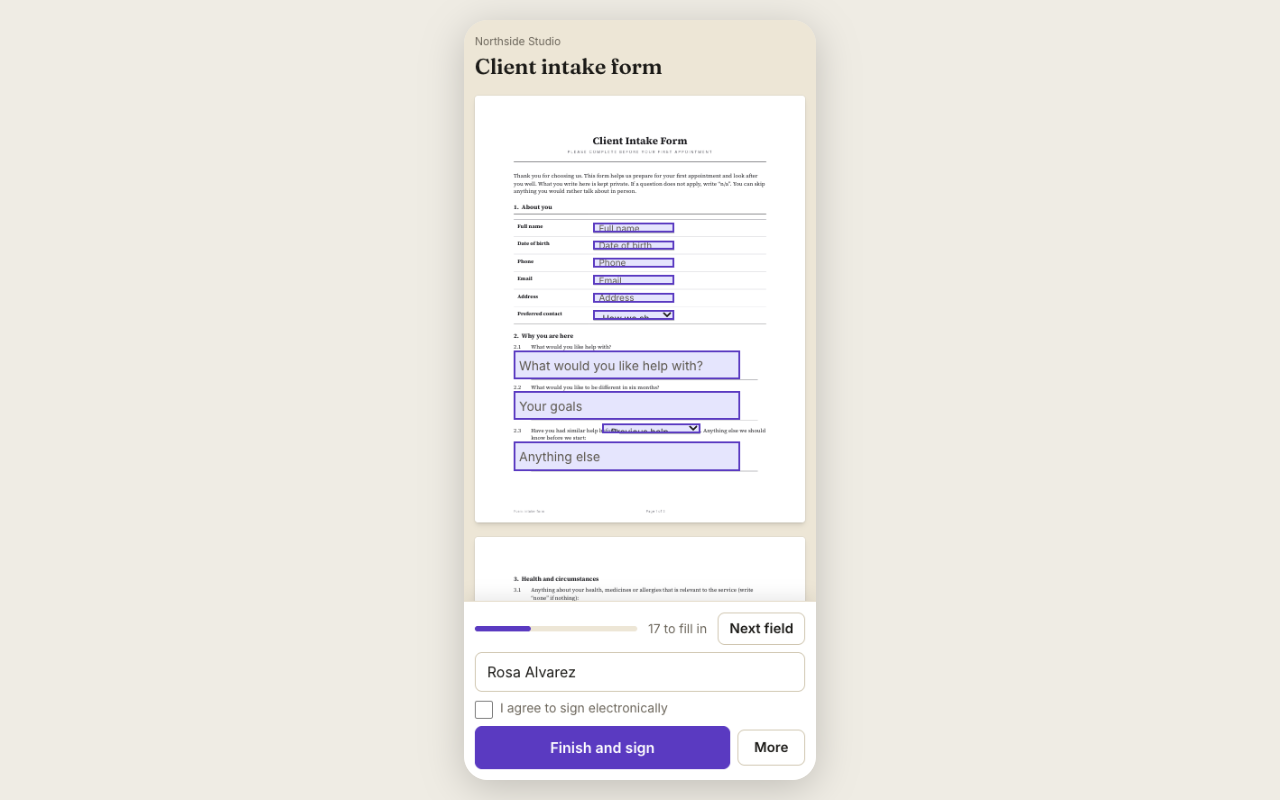
A worked example
A counselling practice sends new clients an intake form and a consent to treatment form two days before the first visit. The client completes them on a phone at home. The practice has the answers in the signed record before the client arrives, and the first session starts with conversation, not paperwork.
What to set up once
Use the Intake form and Consent to treatment templates. Adjust questions to your practice. Use a dropdown for choices and a checkbox for acknowledgements.
A word on privacy
Docustay makes no claim about any health-privacy regime. If you handle health information, read the Privacy and Security pages and decide whether the product fits your obligations. This is general information, not legal advice.
What to check before sending
Ask only for what the form needs, mark required fields so a form cannot be finished with gaps, and send a test copy to yourself first. Read the Trust pages before you collect anything sensitive: they say plainly what Docustay does and does not claim.
Questions people ask
Does Docustay make claims about health-privacy rules?
No. It makes none. See the Trust pages for what it does and does not do.
Can clients fill the form on a phone?
Yes, signing pages are built for phones.
Can answers be required?
Yes. Mark a field required and the page will not let the person continue without it.
Keep reading
Send your first one
Create a workspace, upload a document and send it. No card needed.