Developers
Sign documents from your code
One short program per language. Each one was run against Docustay before it was put on its page.
- JavaScriptWith the Docustay SDK
- TypeScriptWith the Docustay SDK
- PythonWith the Docustay SDK
- RubyWith the standard library
- JavaWith the standard library
Another language? The API is plain HTTPS and JSON, so anything that can make a request works. The API page and the OpenAPI file describe every call.
Pick your language
Each page has one short program that was run against Docustay before it was put there: install, send a document to one person, read its state. They do the same three things, so the one you pick only changes the syntax. Anything else that can make an HTTPS request works the same way, because the API is plain JSON over HTTPS.
What every program needs
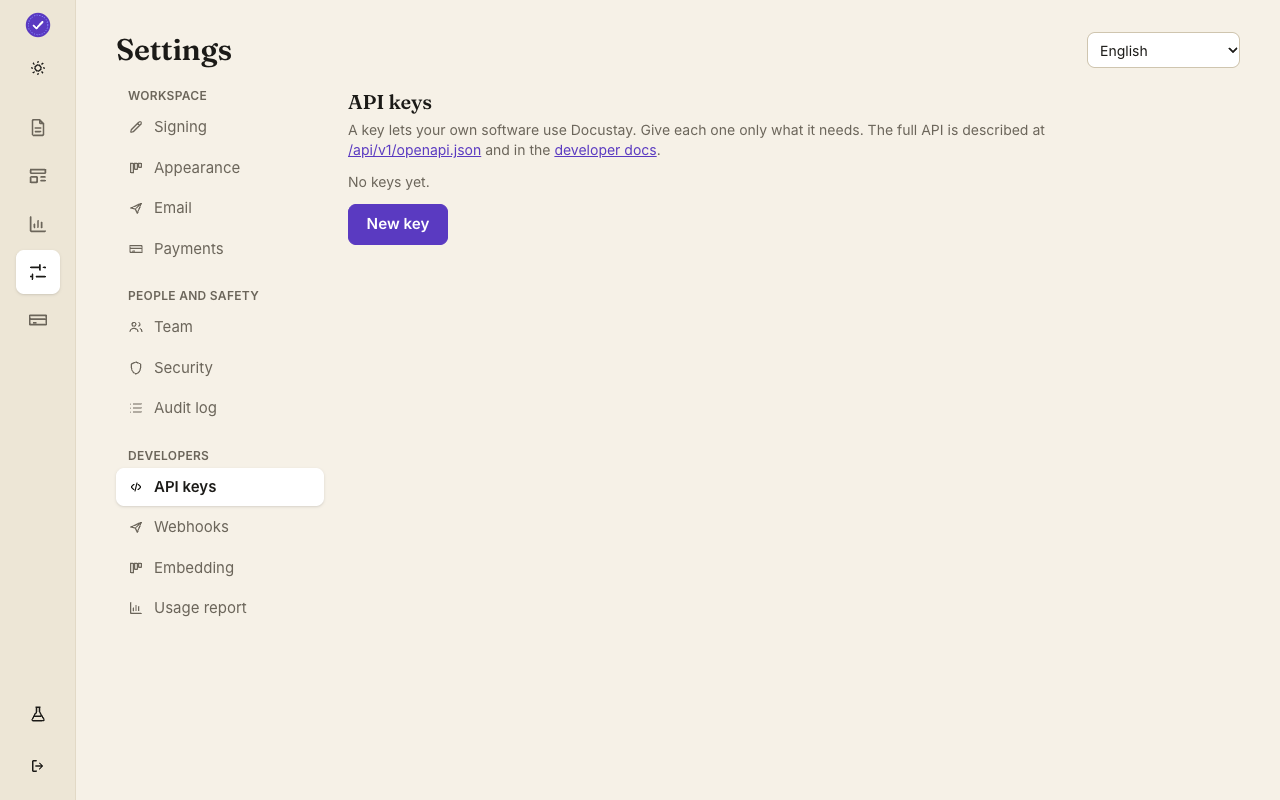
A Docustay workspace, a test key and a template. In the app, open Developers, make a key with the documents and templates permissions and choose the test type. A test key sends nothing real, emails only you and bills nothing. Make a template from one of the twenty-four ready-made documents, or write one in the editor, and copy its id.
Where to go next
When the program runs, the document appears under Documents with a TEST stamp. Open it to see who it went to and what happened. Then read the quick start for the webhook that tells you the moment it is signed, and the API reference for every other call: reminders, voiding, downloading the sealed copy.
Questions people ask
Does a test key send real email?
No. A test key emails only you, stamps the document TEST and is never counted against your plan.
Is there an SDK for every language?
There are SDKs for JavaScript, TypeScript and Python. The Ruby and Java pages use only the language's own standard library, because the API is plain HTTPS.
Where do I see the result?
In Documents in the app, and in the API log under Developers.
Keep reading
Make a test key and try one
Create a workspace, upload a document and send it. No card needed.