Use case
Get a lease or an addendum signed by several people
How real estate work with Docustay.
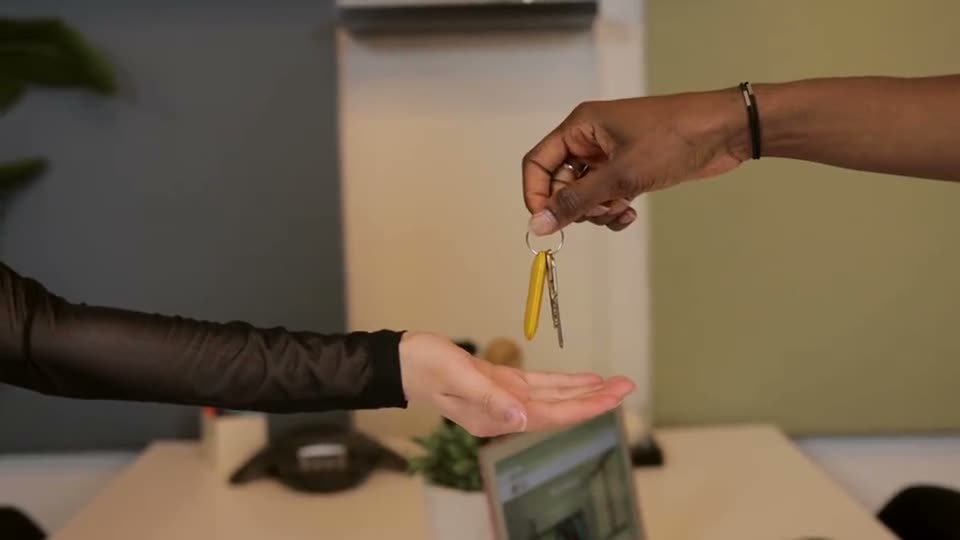
The old way
- Courier or email chains
- Co-tenants signing days apart
- No record of who saw what
With Docustay
- All parties get a link
- Order or all at once, with reminders
- A certificate that shows each signature
Start from a template
- Rental applicationAn applicant gives their details, address and income history, references and permission for the landlord to check what they have written.
- Lease addendumAn addendum that changes an existing lease on one subject, with its terms, start date and what stays the same, signed by both sides.
- Deposit agreementA customer pays a deposit to hold a booking, item or place: what it holds, when it is refunded, when it is kept, and the card payment.
Three tips
- 1
Add one role per tenant.
- 2
Use a file field when a document must be attached (an ID, proof of insurance).
- 3
Collect a deposit with a payment field.
What to watch for
Property documents are among those where local law sometimes asks for more than an electronic signature. Check before you rely on it.
This is general information about how signing works, not legal advice. Rules differ by place and by document; if a document matters a great deal, ask someone qualified where you are.
A worked example
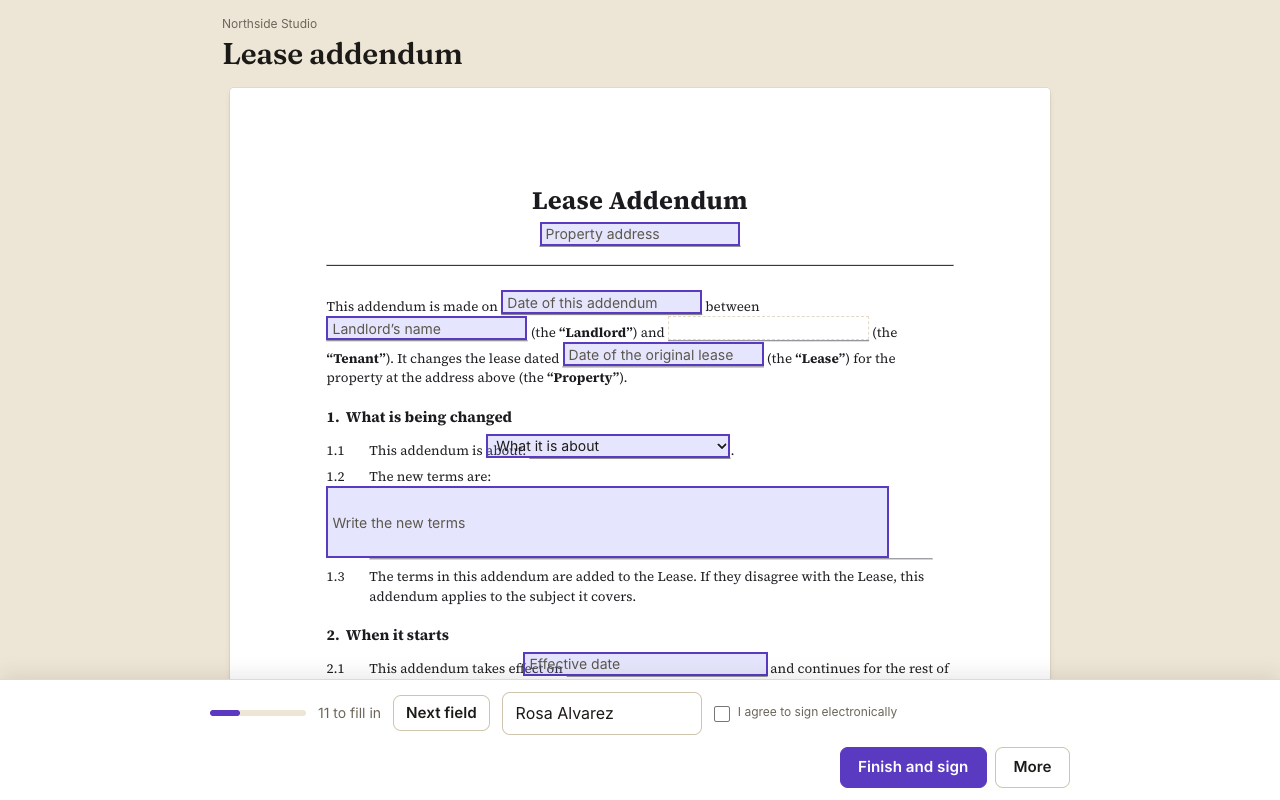
A landlord needs an addendum signed by two co-tenants and herself. She opens the Lease addendum template, enters the original lease date and the change, and adds three seats. Each person gets a link and signs when it suits them, in any order. The certificate shows all three signatures with their times. Nobody had to be in the same room, or the same week.
What to set up once
Save the addendum as a template. Add a rental application template for prospects. Use the in-person option for the walkthrough, where a tenant signs on your phone.
Deposits
A payment field can take the holding deposit before signing, so the booking is secured in the same step. The money goes to your connected Stripe account.
What to check before sending
Give each party their own seat, such as Landlord and Tenant, put every date in a date field, and add an initials field on any page that holds a term you want acknowledged. Send a test copy to yourself and read it on a phone, because many tenants will sign there.
Questions people ask
Can co-tenants sign in any order?
Yes, all at once or in an order you set.
Can I collect the deposit in the same document?
Yes, with a payment field.
Can an agent send on behalf of an owner?
Yes. Send under your own name with your logo; the owner can be a viewer.
Keep reading
Send your first one
Create a workspace, upload a document and send it. No card needed.