Sign documents from your code
Send a document for signature from Ruby
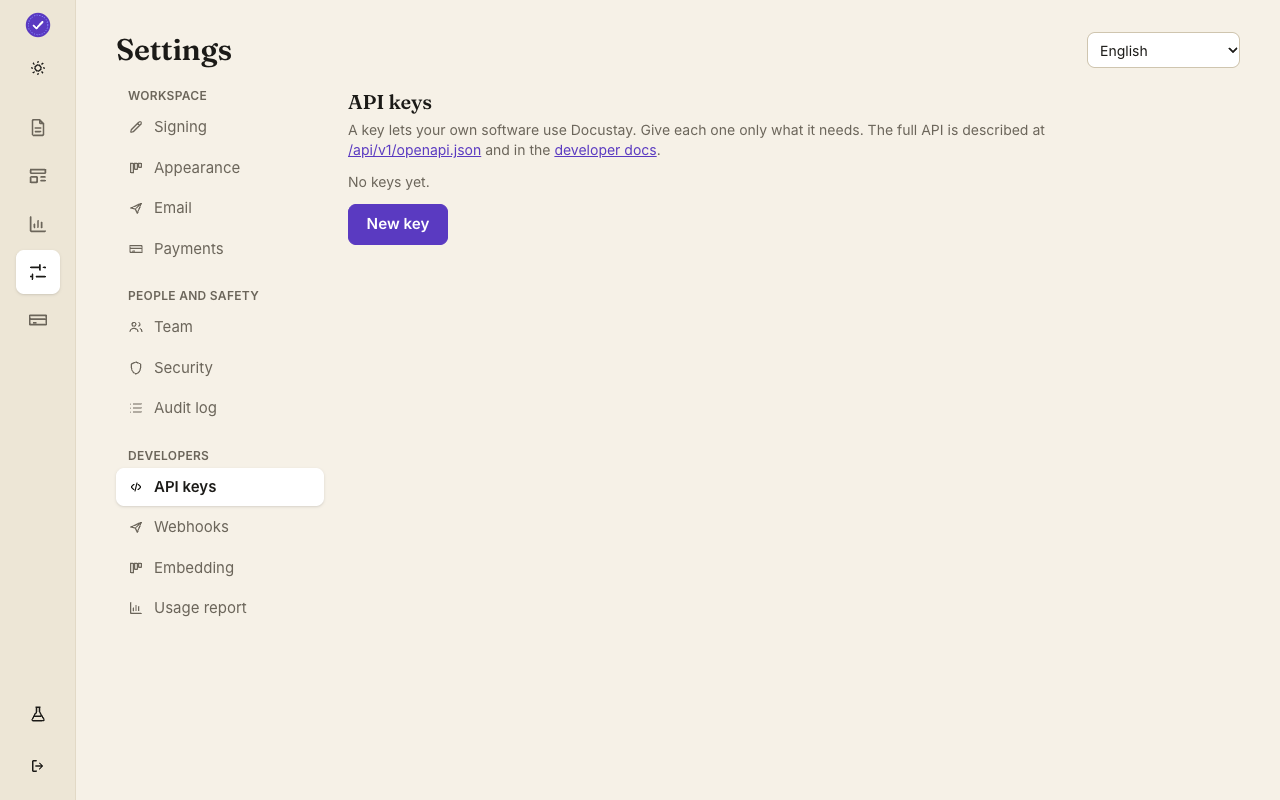
Make a test key, make a template, and run this. A test key sends nothing real and bills nothing.
Install
No install: this uses Ruby's standard library.Nothing to install: it uses net/http, json and securerandom from the standard library. You add the Idempotency-Key header yourself (SecureRandom.uuid), which is what makes a retry of the same request safe. The same code works in Rails, Sinatra or a plain script.
Send
This sends the template to one person. It reads your key and template id from the environment, so the key never sits in the file.
send.rb Then
The answer holds the document's id and its state. Ask for it later with the same key, or get a signed webhook when it is signed. The quick start shows the rest.
Other languages: JavaScript · TypeScript · Python · Java
No gem to install
The Ruby program uses only net/http and json from the standard library, so there is nothing to add to your Gemfile. That keeps a script or a Rake task small. It reads the key and the template id from ENV and builds the request by hand: a Bearer header, a JSON body, and an Idempotency-Key made with SecureRandom.uuid.
Reading the answer
Net::HTTP returns a response object; check that the code is a 2xx before you parse the body with JSON.parse. An error body has the same shape in every language, with a kind and a message and a request id, so you can print the message for a person and keep the id for the API log. Rate limits answer 429 with a Retry-After header worth honouring.
In a Rails app
Wrap the call in a small service object and run it from a background job, so a slow response never holds up a web request. Store the document id on your own record; that id is all you need to ask for its state later, and the webhook payload carries the same id so you can match the event to your row.
Questions people ask
Does a test key send real email?
No. A test key emails only you, stamps the document TEST and is never counted against your plan.
Is there a Ruby gem?
Not yet. The program on this page is the supported way, and it is only a few lines on top of net/http.
Where do I see the result?
In Documents in the app, and in the API log under Developers.
Keep reading
Make a test key and try it
Create a workspace, upload a document and send it. No card needed.